How Do Automated e-Billing Systems Detect UTBMS Task Code Errors?
“The smallest details can make the biggest difference.”
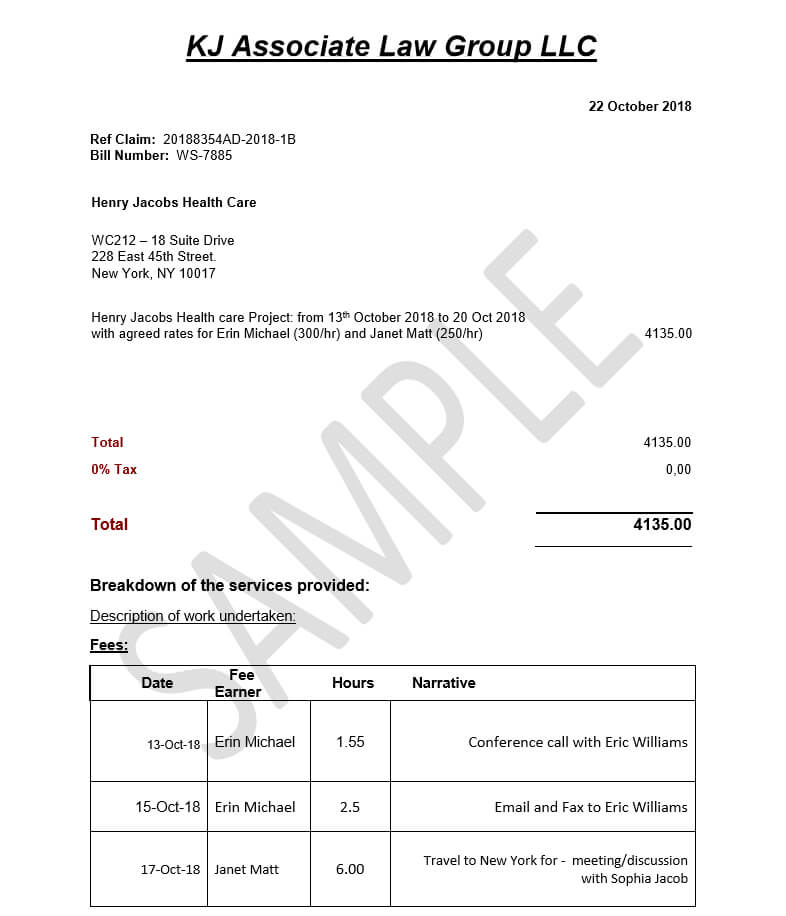
Just imagine receiving a bill filled with charges that do not clearly explain the services provided. You might question the amounts, request corrections, or delay payment until everything makes sense. Now, imagine the same situation in the legal industry, where invoices can include hours of research, court preparation, document review, and other professional services.
In legal billing, accuracy is more than good recordkeeping; it builds accountability and trust. A missing task code, an incorrect entry, or an unclear description can lead to billing disputes, delay payments, and create extra work for the billing team.
To manage these challenges, law firms and their clients use automated electronic billing (e-billing) systems. These digital tools check invoice entries against the client's billing rules, flag possible errors, and help billing teams correct problems before invoices move forward for payment.
But what information does the software check, and how does it recognize a possible mistake? To understand the process, let's first look at the coding system used in many legal invoices.
Understanding UTBMS Task Codes
Uniform Task-Based Management System (UTBMS) uses standard codes to classify legal work, helping law firms organize services and clients review the related charges. Think of UTBMS codes as labels on folders in a classroom. Each label identifies a category and keeps information organized. In the same way, a legal task code identifies the type of work listed on an invoice.
For instance, when a lawyer spends time preparing a court motion, the lawyer records the work using an appropriate litigation task code. The client can then better understand the service behind the charge.
However, choosing a code involves more than selecting a label from a list. The code must accurately describe the work performed and follow the client's billing rules. A code may be valid within the UTBMS system but still be unacceptable for a particular legal matter. In such cases, automated billing checks become important. The software must check not only whether a code exists, but also whether it meets the requirements for that invoice.
How Do Automated e-Billing Systems Detect Task Code Errors?
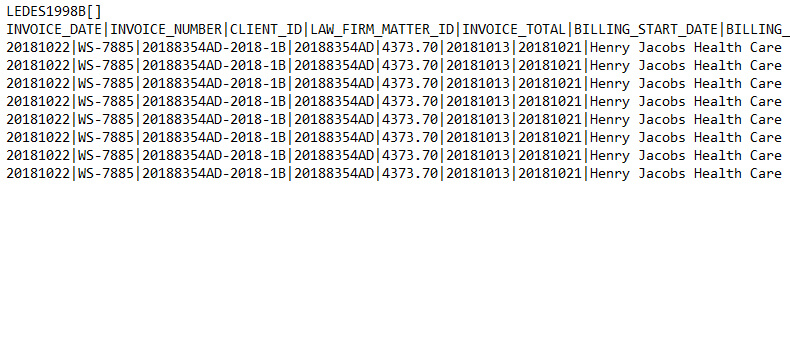
When a law firm submits an electronic invoice, the e-billing system checks its entries against the client's billing rules. Depending on the software and its settings, these checks can identify missing information, unapproved codes, unclear descriptions, and charges that do not follow the required rules.
Think of the process as a digital checklist. Just as a student review an assignment for missing answers before turning it in, an e-billing system checks an invoice for possible problems before it moves forward. The following are five common ways these systems check invoice entries.
A. Checking for Missing Codes
One of the first checks involves required-field validation. This means the software checks whether all required information has been entered.
Suppose a lawyer records two hours spent preparing for a court hearing but forgets to enter the required task code. The time entry may include the hours and a written description, yet it remains incomplete under the client's billing rules. The system can flag the entry so the billing team knows what needs to be corrected. Catching missing information early helps preventing incomplete invoices from being returned for correction and reduces unnecessary work.
B. Checking Whether a Code Is Allowed
The next step is code validation. The system compares the selected task code with the codes allowed under the client's billing rules. A code may exist in the UTBMS system without being approved for every client or legal matter.
For example, a law firm handling a business dispute might select a code that the client does not allow for that case. The software checks the entry against the client's requirements and flags the mismatch for review. This check helps law firms use the correct codes for different clients and follow their specific billing rules.
C. Comparing Entries with Billing Rules
Checking the code alone does not guarantee that an invoice is correct. E-billing systems may also perform billing-rule checks to see whether entries follow the client's instructions. For instance, a client may require document review and legal research to be listed as separate tasks. If a lawyer combines both activities into one entry, the system may flag it if the client's rules do not allow this practice.
Clear and separate entries make it easier for clients to understand the services provided and review individual charges. As a result, billing-rule checks can improve transparency and reduce confusion during invoice reviews.
D. Checking Charges Against Spending Limits
Some e-billing systems also offer budget monitoring. This feature compares recorded expenses with the budget or spending limits set for a legal matter or project. Imagine that a client has approved a budget for a legal project. As the law firm submits charges, the system compares the amounts with the applicable limit. If spending goes beyond that limit, the software may send an alert, adjust a charge, or reject an entry, depending on the client's rules.
These checks help clients keep track of legal expenses and spot unexpected costs before they become harder to manage. It is important to remember, however, that a budget warning is not necessarily a task-code error. Budget monitoring and task-code validation are separate checks, even though both may be handled by the same e-billing system.
E. Flagging Entries for Human Review
Some entries require closer attention because the selected code may look valid but may not clearly match the work described. For example, a lawyer may select a code associated with document review, while the description mainly discusses preparing arguments for a court hearing. Depending on the software's features and settings, the system may flag the entry for further review.
However, a warning does not automatically mean the code is wrong. A billing professional may need to read the description, examine the details, and decide whether the code accurately represents the work performed. This shows an important limit of automation. Software can flag possible problems, but human reviewers may still need to confirm whether an entry is correct.
What Happens After an Error Is Detected?
Finding a possible error is only the first step. The next step is to decide whether the entry needs correction and what action the client's billing rules require. Depending on the system's settings, the software may display a warning, send the entry for review, adjust a charge, or reject the invoice. The billing team then examines the flagged entry and corrects the code or description when necessary.
If the warning turns out not to be a real error, the reviewer can follow the appropriate process to resolve it. Once the issue has been addressed, the invoice can move forward or be resubmitted, depending on the system's workflow.
In short, the software identifies possible problems, while the billing team checks the details and decides what to do next. This teamwork helps prevent avoidable mistakes from delaying payment.
Why Accurate Task Coding Is Important
Accurate task coding does more than keep an invoice organized. It also helps law firms manage expenses, maintain clear records, and communicate more effectively with clients. It also helps with:
• Greater transparency: Standard codes help clients understand the types of legal services listed on an invoice.
• Better expense tracking: Consistent categories make legal costs easier to review and compare across different matters.
• Fewer corrections: Early checks can catch missing information and rule violations before an invoice moves further through the billing process.
• Clearer records: Accurate codes and descriptions provide a better record of the work being billed.
• Stronger client relationships: Clear and accurate invoices help reduce confusion and build trust.
These benefits make task-code accuracy an important part of managing legal expenses responsibly.
How Can Law Firms Prevent Task Code Errors?
Automated checks can catch many common problems, but preventing errors before an invoice is submitted is even better. Law firms can improve billing accuracy by following a few steps like:
• Train staff regularly: Help lawyers and billing teams understand how to select the correct codes and follow client requirements.
• Keep billing rules up to date: Make sure employees know the current requirements for each client and legal matter.
• Review invoices before submission: Check that task codes, time entries, and descriptions match the work performed.
• Check system alerts carefully: Review flagged entries instead of assuming every warning confirms an error.
• Keep descriptions clear: Use specific wording that helps clients and billing reviewers understand the services provided.
When these habits become part of the regular billing process, law firms can reduce avoidable mistakes, spend less time correcting invoices, and submit clearer bills to their clients.
Conclusion
A small coding mistake may seem unimportant on a single invoice, but repeated errors can delay payments, increase administrative work, and create confusion about the services billed. Automated e-billing systems help address these problems by checking for missing codes, verifying approved entries, applying billing rules, and flagging items that need further review.
Still, passing an automated check does not promise that an invoice is completely accurate. A code may be allowed by the system but still fail to describe the work performed correctly.
The most reliable approach combines accurate task codes, clear billing rules, automated checks, and careful human review. When these elements work together, law firms can prepare clearer invoices, manage legal expenses more effectively, and build stronger relationships with their clients.
.png)